
Migrating from Aha! to IdeaLift: The Honest Playbook
Aha! is a powerful PM suite. Most teams use 20% of it and pay full price. Here's the step-by-step migration to IdeaLift — what transfers, what doesn't, and what to fix in your process before you switch.

Migrating from Aha! to IdeaLift means moving idea capture, triage, and decision tracking off the per-seat Aha! Ideas suite and onto a flat-priced chat-native platform. Most teams complete the move in one to three weeks: export Aha! ideas via CSV, map status fields, point your Slack or Teams workspace at IdeaLift's capture bot, and archive the Aha! portal once new signal stops landing there.
Aha! Ideas + Aha! Roadmaps is one of the most complete product management suites available. The pricing reflects that. At $59-74 per user per month, a 15-person product team is paying $11,000 to $13,000 a year before any of the advanced add-ons.
Most teams that leave Aha! aren't fleeing it. They're leaving the parts they don't use. They needed an idea capture and triage system and ended up paying for strategy frameworks, capacity planning, whiteboards, and a customer portal.
This guide covers the migration to IdeaLift specifically — what transfers, what doesn't, and a sequence that doesn't break things.
Why teams migrate from Aha! to IdeaLift
The three reasons we hear consistently:
- Per-seat pricing scales the wrong direction. Adding teammates makes Aha! more expensive linearly. IdeaLift is flat-priced. At 20 seats, IdeaLift Growth ($299/mo) is 80% cheaper than Aha! Ideas Advanced ($1,480/mo).
- The ideas portal is too narrow. Aha! Ideas captures what people submit through the portal. IdeaLift captures what people say in Slack, Teams, Discord, email, meeting transcripts, and 12 other channels — without anyone needing to fill out a form.
- The roadmap layer isn't worth the price difference. Aha! Roadmaps is excellent at visual roadmap building. If your roadmap lives in Jira, Linear, Notion, or a spreadsheet, you're paying for a feature you don't use.
If your roadmap really is in Aha! Roadmaps and you love it — keep that. IdeaLift replaces the Ideas workflow specifically. Many teams run both and just stop paying for Aha! Ideas.
Before you migrate: do the audit
The mechanics of migration are easy. The institutional knowledge problem is hard. Before you export anything:
Pull a list of your most-voted Aha! ideas. The top 50 by vote count or by stage. For each one, can you trace why it was prioritized? Who decided to build it, when, and what alternatives were rejected? If the answer is "the votes are the reason," you have a decision memory problem that no tool migration will fix.
This is where IdeaLift's decision audit trail becomes the actual reason to switch. Capturing what's on the roadmap is easy. Capturing why is the gap.
Step-by-step migration
Step 1: Export your Aha! Ideas data
Aha! has a built-in CSV export. Settings → Account → Data Export. Pick "Ideas" and export everything. You'll get a CSV with idea title, description, status, vote count, submitter email, tags, and product category.
Don't export the entire historical record — just active ideas. Dead ideas in Aha! become dead ideas in IdeaLift; the migration is a chance to prune.
Step 2: Decide what stays in Aha!
Three things worth keeping in Aha! after the migration:
- Aha! Roadmaps if you actively use the roadmap canvas (it's better than IdeaLift's roadmap UX, which is honest)
- Aha! Notebooks if your strategy docs live there
- Aha! Whiteboards for design sessions
If you're using only Ideas, you can cancel the suite subscription after migration. If you're keeping Roadmaps, downgrade to the Roadmaps-only tier ($59/maker) and let IdeaLift handle ideas.
Step 3: Import into IdeaLift
IdeaLift's CSV importer auto-detects the Aha! export columns: Title → Title, Description → Description, Status → Status (mapped to IdeaLift's accepted/rejected/shipped/snoozed/expired vocabulary), Votes → vote count, Tags → tags. The import takes about two minutes for 500 ideas.
The submitter email column survives the import. Anyone who submitted ideas in Aha! gets associated with their idea in IdeaLift, so the historical context isn't lost.
Step 4: Connect your real capture channels
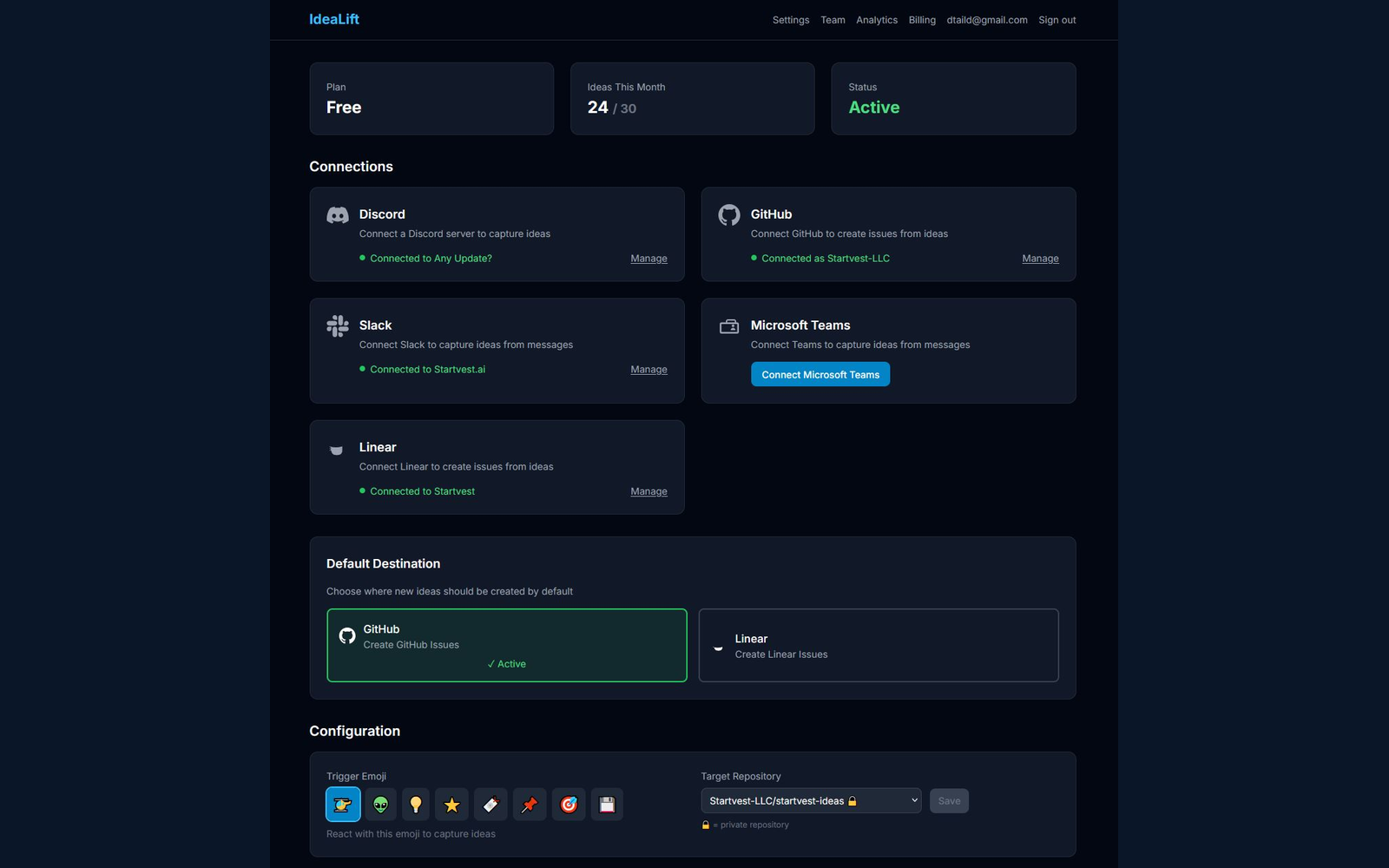
This is the step Aha! couldn't do. In IdeaLift's Settings:
- Slack: install the IdeaLift Slack app, point it at your product feedback channels. Every message that looks like an idea or feedback gets captured automatically.
- Teams: same pattern.
- Discord: same pattern, useful if you have a customer Discord.
- Email forwarding: an inbound address that ingests forwarded customer emails as ideas with full context.
- Meeting transcripts: Fireflies, Otter, Grain, and others — IdeaLift parses transcripts and extracts feedback mentions automatically.
- Two-way Jira / Linear / GitHub sync: when an idea becomes work in your tracker, status updates flow back to IdeaLift so you can close the loop with whoever submitted it.
You typically connect 3-5 of these on day one. The rest as you grow into them.
Step 5: Set up the decision audit trail
This is the part that pays off in 12 months, not week one. For every idea that gets accepted or rejected, IdeaLift captures a decision record: who decided, what was decided, why, what alternatives were considered, and what the decision deadline is.
The setup is one-time: enable the decision audit feature in Settings, configure the default decision owner per workspace, and set the decision review cadence (30/60/90 day check-ins are typical).
Step 6: Cancel Aha! Ideas
After you've verified the migration and your team has been using IdeaLift for 30 days, cancel the Aha! Ideas subscription (or downgrade to Roadmaps-only). Keep your Aha! account in read-only state for a quarter as a paranoia buffer in case you need to reference historical exports.
What doesn't transfer
Be honest about this:
- Custom ideas portal styling — Aha!'s portal customization is more elaborate than IdeaLift's. If brand-matched portal aesthetics matter, you'll lose some polish.
- Proxy voting — Aha!'s feature where CS or sales teams vote on behalf of customers. IdeaLift handles this differently (channel-source-weighted prioritization), but the workflow is different.
- Aha! Roadmaps integration — if you keep Aha! Roadmaps, the link between IdeaLift ideas and the roadmap canvas is via Jira / Linear / GitHub, not a direct Aha! integration.
If any of these are critical to your workflow, evaluate the migration carefully before committing.
When the migration is worth it
The math case:
- 10-person team on Aha! Ideas Advanced: ~$740/mo. IdeaLift Growth: $299/mo. Saves $5,300/year, plus 20+ capture channels and a decision audit trail.
- 20-person team on Aha! Ideas Advanced: ~$1,480/mo. IdeaLift Growth: $299/mo. Saves $14,200/year, same gains.
- 50-person team on Aha! Enterprise: $3,500+/mo. IdeaLift Enterprise: custom. Saves significantly more, plus SSO, SCIM, audit log, and the rest of the enterprise stack.
The strategic case: feedback that doesn't reach the portal is feedback that doesn't get prioritized. Most product teams have 20% of their real signal coming through forms and 80% buried in chat threads. Aha! Ideas can't see the 80%. IdeaLift was built to.
Related resources
If you're earlier in the evaluation, start with Aha! Alternatives in 2026 for the broader landscape, or the IdeaLift vs Aha! Ideas comparison for a side-by-side feature breakdown.
Already migrating from a different tool? Migrating from Monday.com, Migrating from UserVoice, and Migrating from Productboard follow the same playbook with different tradeoffs.
Free Resource
Rescue Your Lost Feature Requests
A 5-step audit to find the ideas hiding in your team chat
Ready to stop losing ideas?
Capture feedback from Slack, Discord, and Teams. Send it to Jira, GitHub, or Linear with one click.
Continue Reading
View allMigrate from Aha to IdeaLift: Step-by-Step Migration Guide (2026)
Migrate from Aha to IdeaLift in 5 steps. Export ideas, map statuses, preserve customer vote counts, and pick the right lighter-weight tool for your roadmap.
Aha! Alternatives in 2026: What Product Teams Actually Switch To
Aha! is powerful. It's also expensive, complex, and built for roadmaps. Not the messy pre-backlog decisions that feed them. Here's what teams are using instead.
How to Migrate from Aha! Without Losing Critical Data
Complete guide to migrating from Aha! without losing critical product data, workflows, or team productivity. Systematic approach ensures zero downtime and preserves business continuity.