
Migrating from Monday.com: What Teams Lose in the Move
You can export your Monday.com boards. You can't export the decisions that were never logged there. Here's what to do before you migrate.

Monday.com is a capable project management tool. It handles work tracking, automations, dashboards, and team visibility well. It also costs significantly more than most teams expect once you count all the users and add-ons. And it's built for work management, not product decision-making.
Teams leaving Monday.com usually head toward Jira, Linear, or Asana. The data migration itself is straightforward enough. Boards become issues. Columns become statuses. Attachments transfer.
What doesn't transfer is the context that was never in Monday.com in the first place.
The context problem in migrations
Monday.com, like most project management tools, tracks what's being worked on. It doesn't track why decisions were made. By the time a task shows up in a Monday board, the conversation that created it already happened somewhere else. Slack, a meeting, an email, a DM. That context lives outside the tool. It always has.
When you migrate, you move the work. The institutional knowledge that explains the work stays buried in communication channels most people have stopped looking at.
This isn't a Monday.com problem specifically. It's the same issue that follows teams through every tool migration they ever do. The destination is different. The gap is identical.
Before you migrate: Do a decision audit. Identify your top 20 active work items and trace the reasoning behind each one. Can you find it? Can a new team member find it? If the answer is no for most items, you have a decision memory problem. Moving tools won't fix it.
How to migrate from Monday.com to Jira or Linear
The mechanics of migrating are documented. Here's the version that actually works:
Step 1: Audit what's actually active
Export your Monday.com boards as CSV. Go through open items and classify them: actively being worked on, stale but theoretically planned, or dead items no one will ever touch. Most boards have more dead items than teams realize. Don't migrate the dead ones. They'll clutter your new system before you start.
Step 2: Map your column structure before you build in the new tool
Monday.com is highly customizable. Jira and Linear are opinionated. Don't try to replicate your Monday.com column structure exactly. Map Monday's status columns to the new tool's native workflow states first. Forcing Monday's structure onto Jira creates technical debt from day one.
Step 3: Capture the "why" for active items before you migrate
For every item you're actively working on, spend five minutes writing down why it exists. What decision created this work item? Who made that call? What alternatives were considered? This is the institutional knowledge you're about to lose if you don't capture it now.
This is also the step most teams skip because it's annoying. It's the step that causes the most problems six months later.
Step 4: Use native migration tools, not manual rebuilding
Jira has a CSV importer. Linear has direct Monday.com import. Use them. Don't assign someone to manually recreate items. It introduces errors and takes forever. Import the data, then fix the edge cases manually afterward.
Step 5: Set a migration date and cut over clean
Running Monday.com and the new tool in parallel is a reliable way to have two half-maintained systems and confused team members. Set a date. Complete open items or migrate them. Archive Monday.com. Move on.
What tools teams switch to
Jira
The most common destination for product teams leaving Monday.com. Jira has the deepest integrations, the most mature plugin ecosystem, and the largest user base. It's not fast or pretty, but most product organizations already have engineers using it and the organizational knowledge exists.
The downside: Jira assumes you're managing software development work. Monday.com's flexibility (non-software teams can use it for anything) doesn't map cleanly. If Jira is your destination, see our best Jira integrations for product managers for setting up the PM workflow.
Linear
The fastest-growing alternative. Linear is exceptionally fast, well-designed, and opinionated about how software development work should be tracked. Teams that have struggled with Jira's complexity find Linear's speed refreshing.
The limitation: Linear is built for engineering teams. If you're a cross-functional product team that includes non-engineering stakeholders, Linear may feel constrained.
Asana
The closest structural equivalent to Monday.com. Similar flexibility, similar focus on cross-functional work tracking. If your team liked Monday.com's visual board approach but wants better integrations and a cleaner enterprise tier, Asana is the natural move.
The problem that follows you everywhere
Here's what won't change after you migrate: decisions made in Slack won't automatically appear in Jira. Context from your sprint retrospective won't travel to the ticket. The reasoning behind a feature getting deprioritized will still live in someone's head or a chat thread from last quarter.
Monday.com didn't create this problem. Jira won't solve it. Linear won't either.
The tools that manage backlogs all start at the same point: after someone decided what work to do. The conversation where that decision happened is upstream of every project management tool in existence.
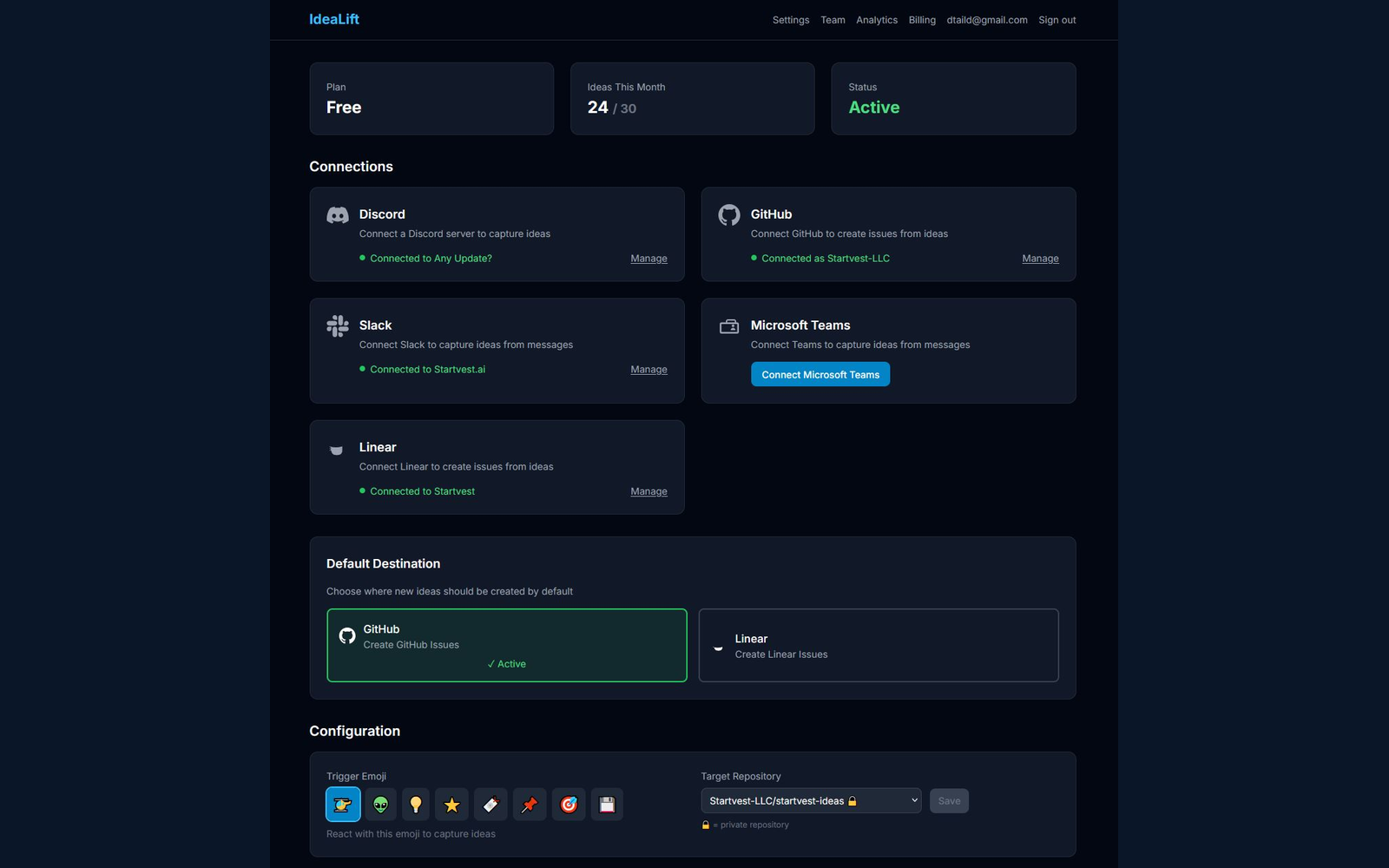
IdeaLift fills that upstream gap. It captures decisions ambiently from Slack, Teams, email, and meetings. Before they become tickets. Before they become Monday.com items. Before they get migrated, lost, or misunderstood by whoever inherits the work six months later.
You can run IdeaLift alongside whatever project management tool you land on. The capture layer and the work management layer are different jobs. Most teams eventually figure this out after one migration too many.
Quick migration checklist
- Export current boards as CSV and audit for dead items
- Map Monday.com status columns to destination tool's native workflow
- Document the "why" for all active work items before migrating
- Use native import tools (Jira CSV import, Linear's Monday connector)
- Set a hard cutover date and archive Monday.com
- Set up ambient capture for future decisions so you don't repeat this problem
Related reading: See the full Monday.com migration guide for step-by-step import instructions, or learn how Slack-to-Jira integrations can capture what project management tools miss.
IdeaLift captures product decisions ambiently from Slack, Teams, and email. The decisions travel with the work, across every tool migration you'll ever do. Start for free
Free Resource
Rescue Your Lost Feature Requests
A 5-step audit to find the ideas hiding in your team chat
Ready to stop losing ideas?
Capture feedback from Slack, Discord, and Teams. Send it to Jira, GitHub, or Linear with one click.
Continue Reading
View allHow to Migrate from Aha! Without Losing Critical Data
Complete guide to migrating from Aha! without losing critical product data, workflows, or team productivity. Systematic approach ensures zero downtime and preserves business continuity.
Produktfeedback-Management steigert Kundenzufriedenheit um durchschnittlich 23% bei systematischer Umsetzung
Systematisches Produktfeedback-Management steigert Kundenzufriedenheit um 23%. Automatisierte Prozesse für Sammlung, Analyse und Integration in 4 kritischen Phasen.
Ambient Product Feedback Creates Continuous User Insights Without Disrupting Experience
Ambient product feedback captures user insights through passive monitoring of natural behaviors and interactions, providing continuous intelligence without disrupting user workflows.